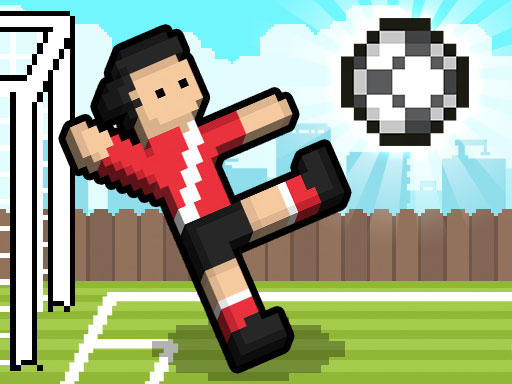
Soccer Random
Physics change every goal, so neither player ever gets comfortable.
2-player physics
Launch the ring from a browser tab — no installer, no launcher, no 60 GB download. Below the game you will find which browser-playable versions of Halo CE actually work right now, what the controls are, and eight more games you can start in one click.
Not Halo itself, but a real first-person shooter you can play right now — mouse to aim, WASD to move, straight from the tab. The actual routes to Halo CE itself — cloud streaming and fan-made recreations — are broken down below.
Pick a title and it loads straight into the player above. Games you have already opened stay loaded, so switching back is instant and your run keeps going.
Short answer: yes, but not as a single official download-free button. Halo CE was built for the original Xbox and later for Windows, so every browser route is either a video stream of the real game or a rebuild of it in web technology. Here is what each one gets you.
| Route | Runs in a browser? | What you get |
|---|---|---|
| Cloud streaming in the browser | Yes, on a supported plan | Services such as Xbox Cloud Gaming and GeForce NOW run Halo: The Master Chief Collection on a remote machine and send the video to a browser tab. Halo CE is the first campaign inside that collection. Library and device support change over time, so check the service before you subscribe. |
| Fan-made HTML5 recreations | Partly | Hobby projects rebuild Blood Gulch firefights or the first mission in WebGL. They load instantly and need no account, but they are reinterpretations: expect different maps, weapon feel, and AI, and expect projects to disappear when rights holders object. |
| The original PC release | Not in a browser | Halo: Combat Evolved shipped on Xbox in 2001 and on Windows in 2003, and the Anniversary version lives in The Master Chief Collection. These are native installs. Nothing in a browser tab reads your disc or your Steam library. |
Whichever route you pick, the browser part is the easy part. A current Chromium, Firefox, or Safari release with hardware acceleration enabled will run a WebGL shooter; a cloud stream mostly asks for a stable connection of around 15 Mbps and low latency.
Browser builds follow the Halo PC layout, so anyone who played the 2003 Windows release will already know the shape of it. Click the game once to capture your cursor, and press Esc to give it back.
Remember the two rules that make Halo CE click: you carry two weapons, and your shields recharge but your health does not. Back off, let the shield bar refill, then push again.
These are not Halo — they are quick sports and physics games on the same no-download principle, and most of them take two players on one keyboard. Each one loads only when you press play, so the page stays fast until you want it.
Physics change every goal, so neither player ever gets comfortable.
2-player physics
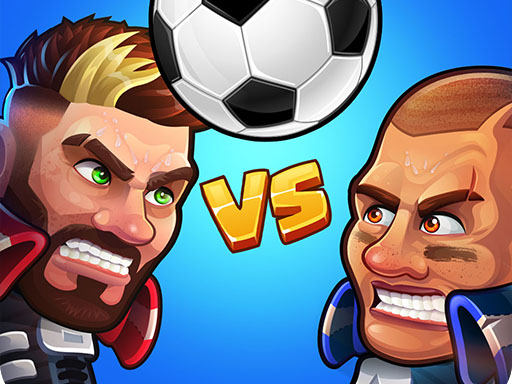
One-button matches with power shots and a quick tournament ladder.
Arcade sports

Dribble past defenders and finish the move before the keeper reads it.
Single player

Wobbly capsule players that fall over roughly as often as they score.
Ragdoll comedy
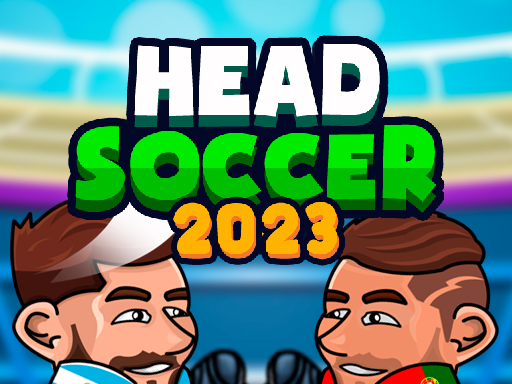
The original big-head duel: jump, kick, and hope the bounce goes your way.
2-player classic

Rocket-League-style football, except you are a very small car.
Car football

Floppy limbs, zero technique, surprisingly tense finishes.
Ragdoll comedy

Pick a nation and play the knockout rounds through to the final.
Tournament
Free and official do not overlap here. Cloud services that stream the real game need a paid subscription, and the PC version needs a purchase. The free browser options are fan-made recreations, which are inspired by Halo CE rather than the same game.
No. Anything embedded on this page runs inside the page itself. A current version of Chrome, Edge, Firefox, Safari, or any Chromium browser is enough, with JavaScript and WebGL enabled.
Chromebooks handle browser games and cloud streaming well. Phones and tablets can load most HTML5 games, but a first-person shooter built for mouse and keyboard is awkward on a touchscreen — pair a controller if you plan to play on mobile.
Streaming the game through a licensed service is. Fan recreations sit in a grey area: they use their own code, but Halo characters, names, and art belong to Microsoft, so projects are sometimes taken down.
Usually yes. The embeds on this page request gamepad access, so a controller connected over USB or Bluetooth is detected once you press a button with the game focused.
Browser games share your GPU with every other tab. Close the rest, switch the game to fullscreen, and turn on hardware acceleration in your browser settings. For cloud streaming, a wired connection or 5 GHz Wi-Fi matters far more than your computer does.